
1. Once you are logged in, click on the “Upload Documents” link.
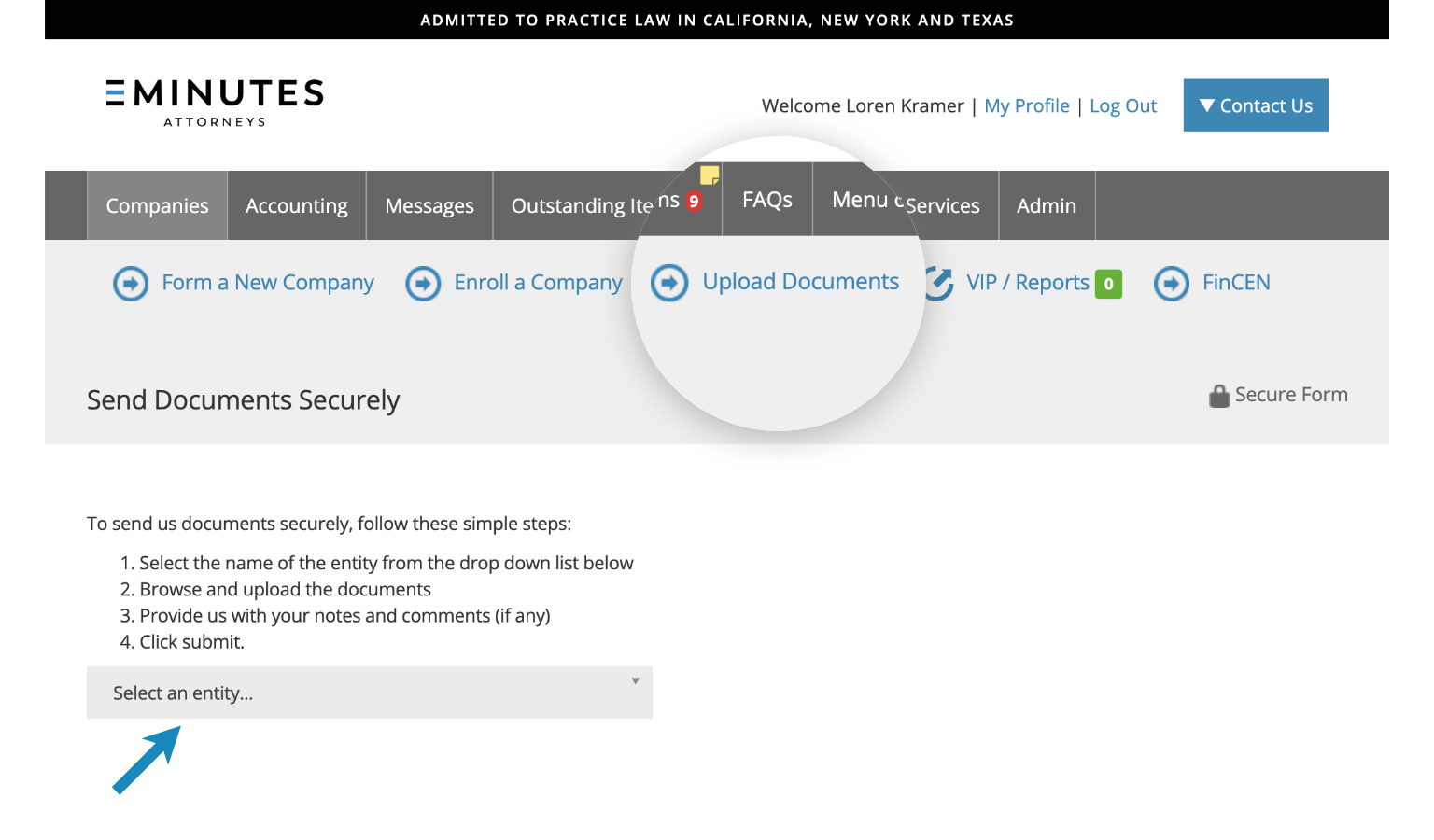
2. Select an entity from the dropdown menu.
3. Click the “Add Documents” button to upload a document from your computer.
4. Click “Submit”.
We will confirm receipt all documents uploaded through the portal. If you have trouble with the upload process, please contact us.