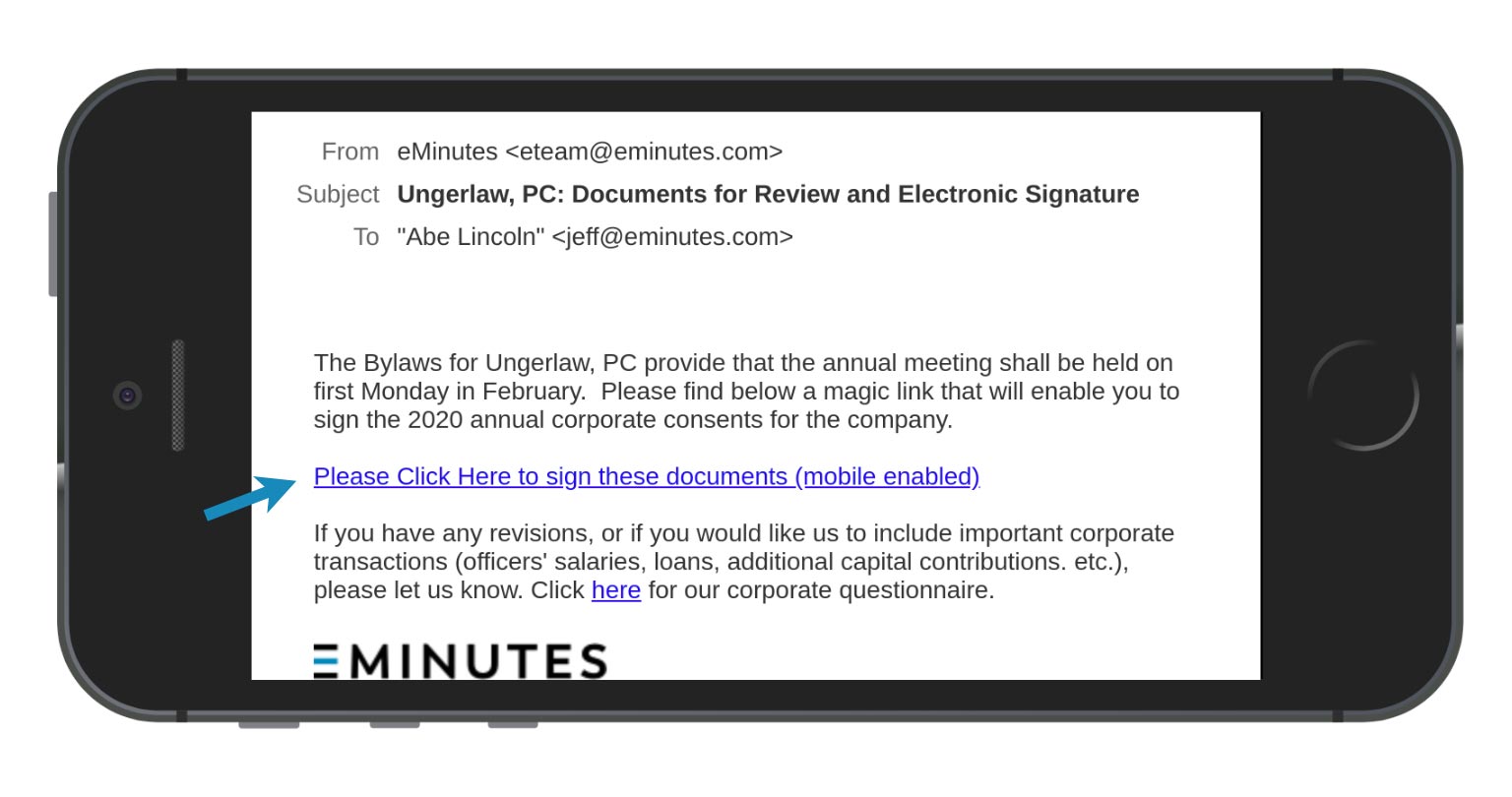
1. Click on the magic link in the email.
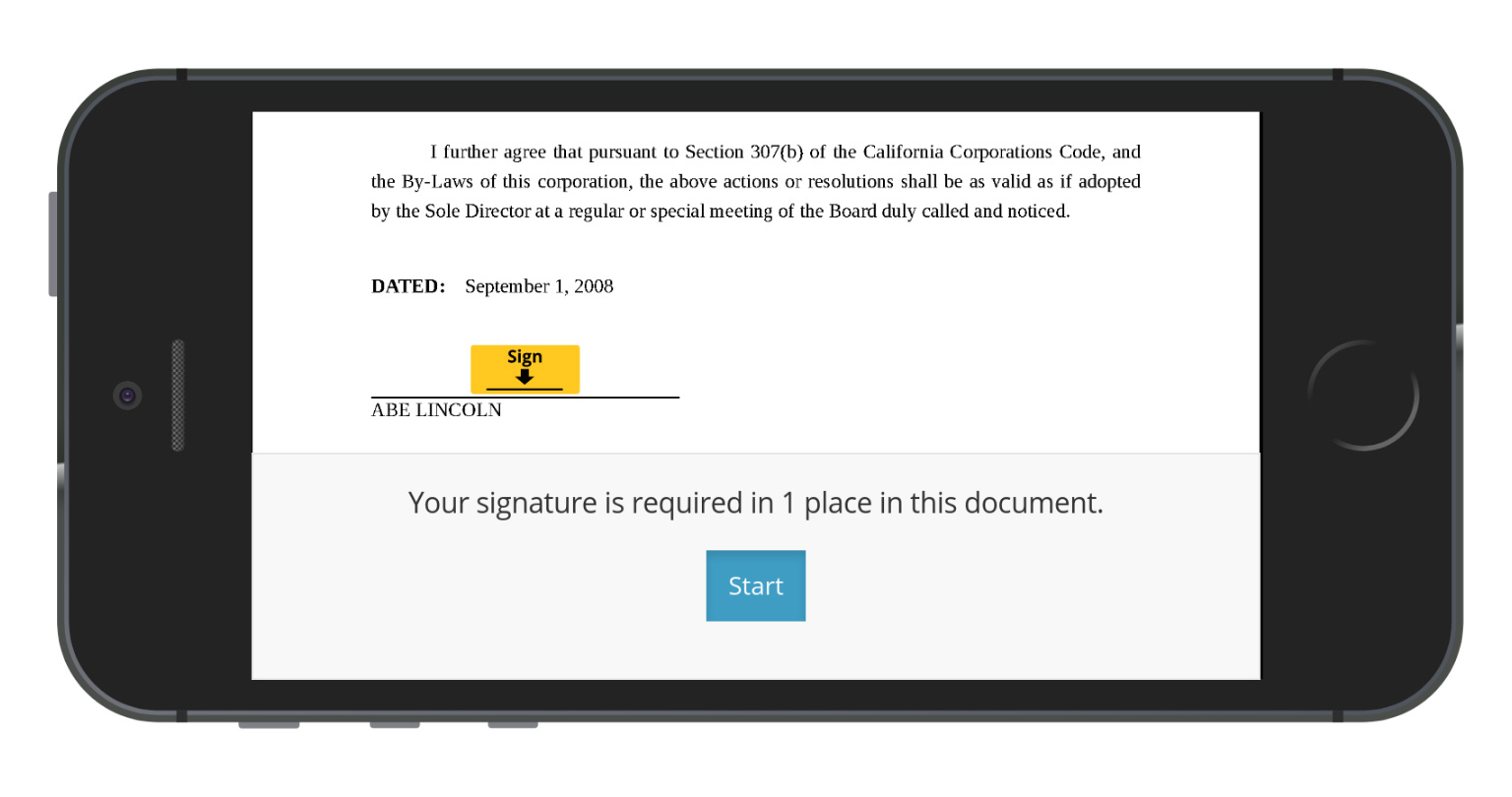
2. With your phone in the horizontal of landscape orientation (as shown), continue with the e-sign process. E-sign will guide you through each step and signing opportunity.
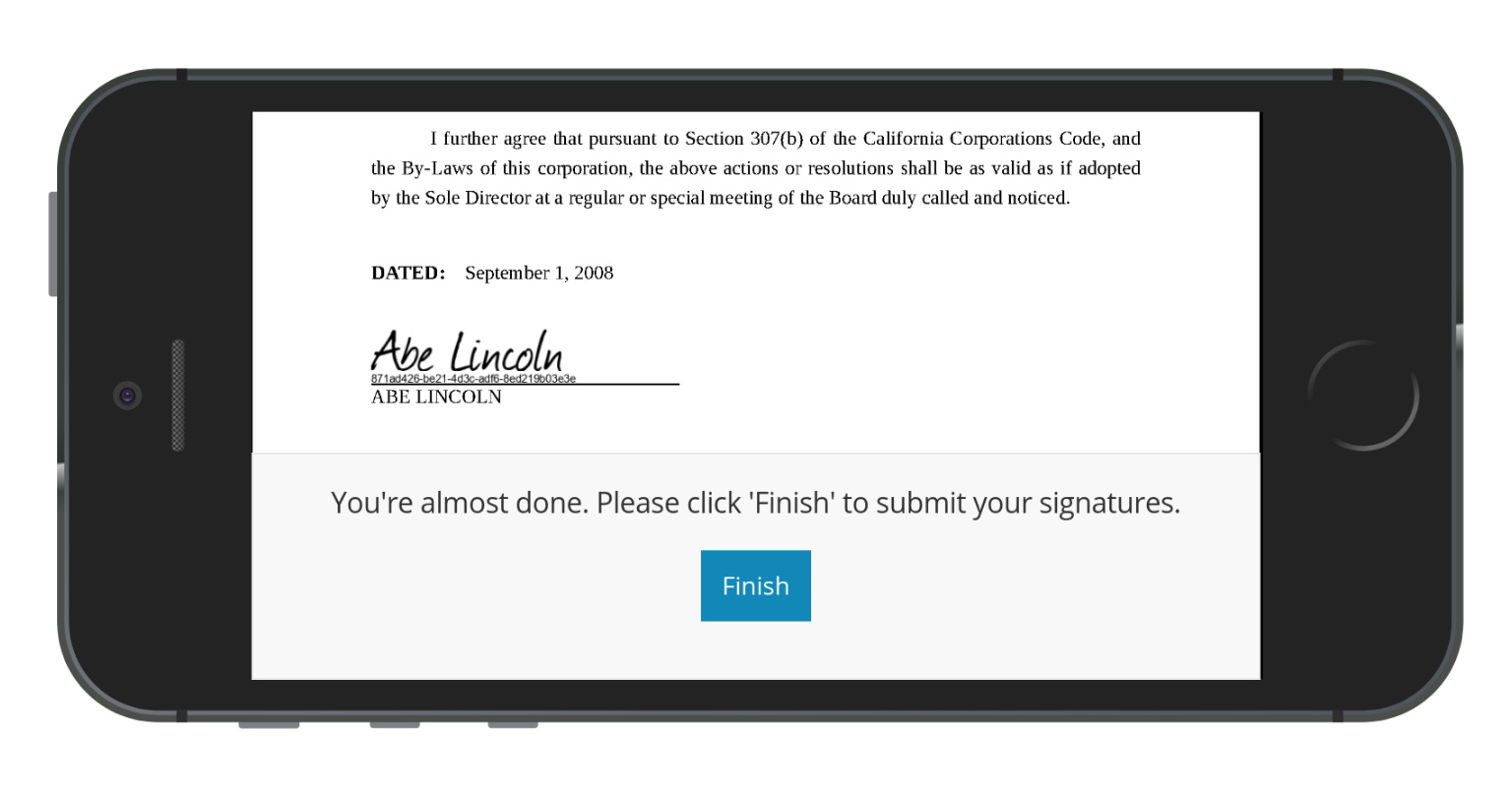
3. When you are done reviewing and signing the document, complete the process by clicking “Finish”.
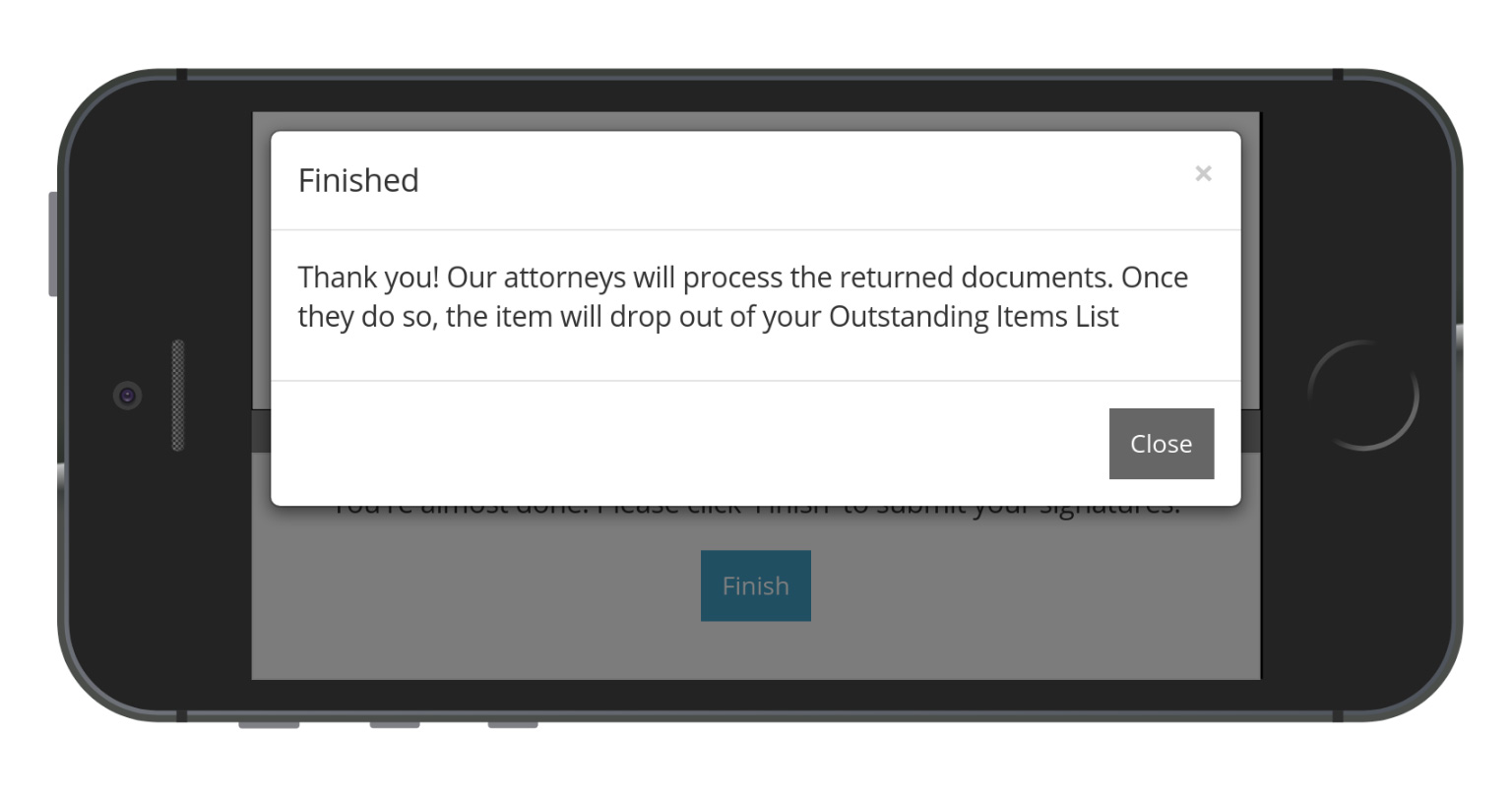
Our attorneys will then review the signed documents and send you an acknowledgement of receipt.