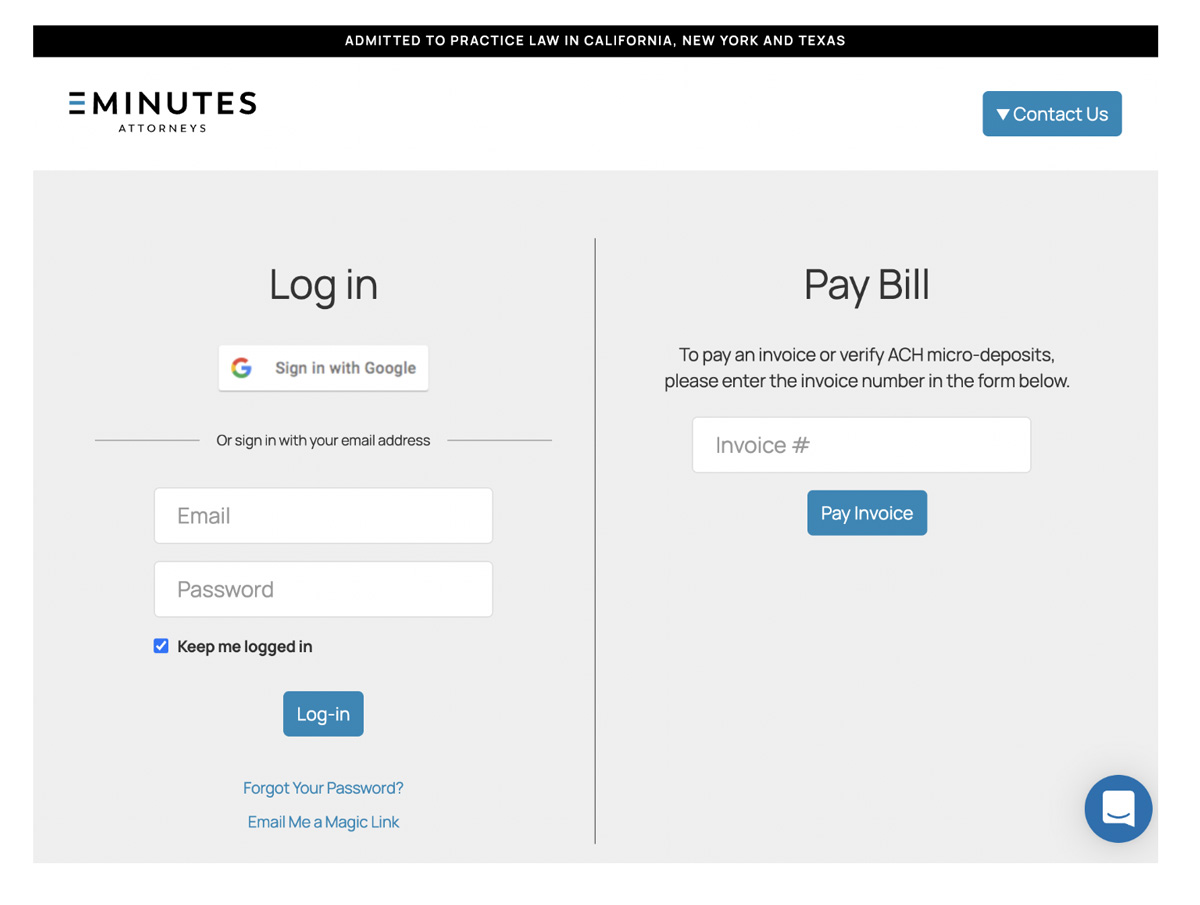
1. Sign in with the “Sign in with Google” link.
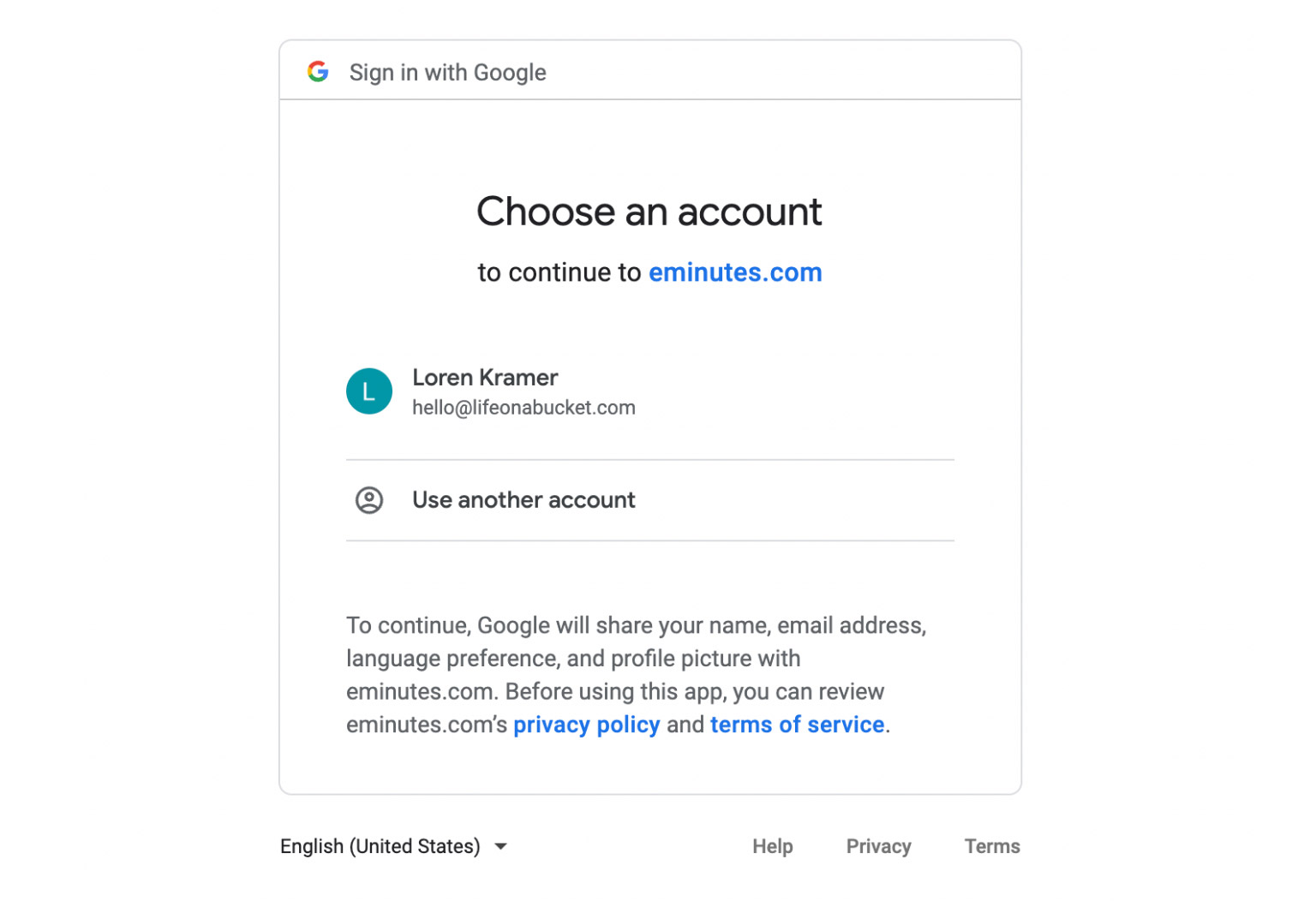
2. Select the Google account that you would like to link to your EMINUTES account.
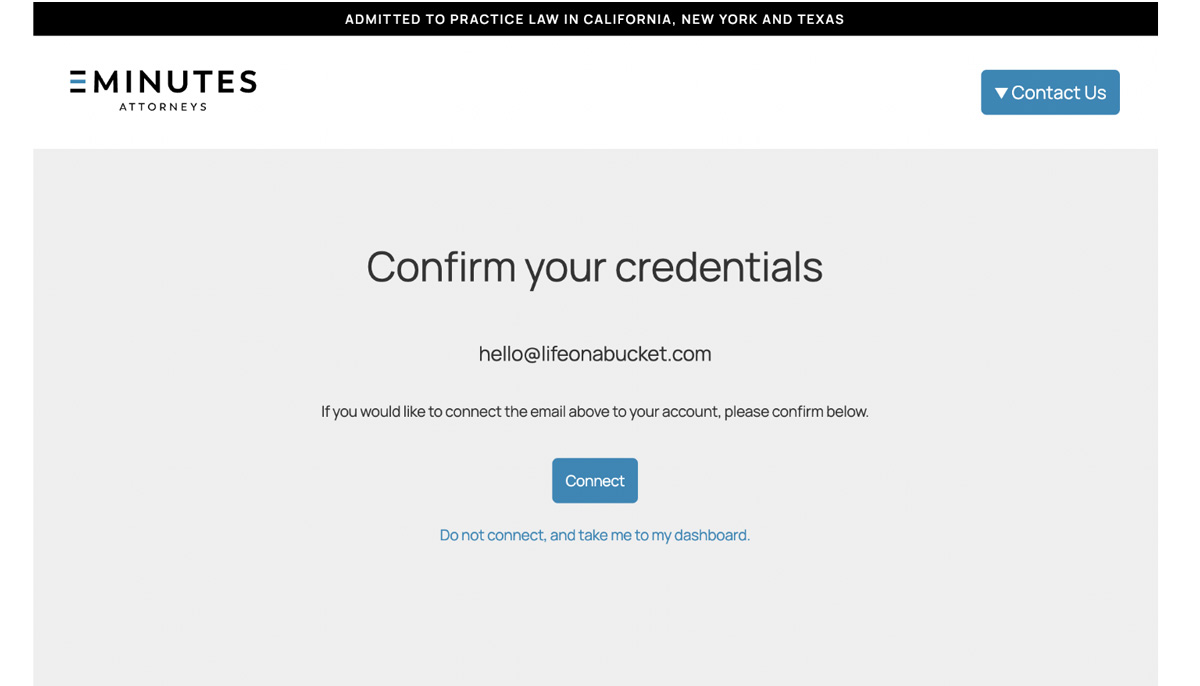
3. If your Google account is not linked to our system, you will be asked to associate your Google account with the email address that you are using in our system. You will only be asked to do this once.
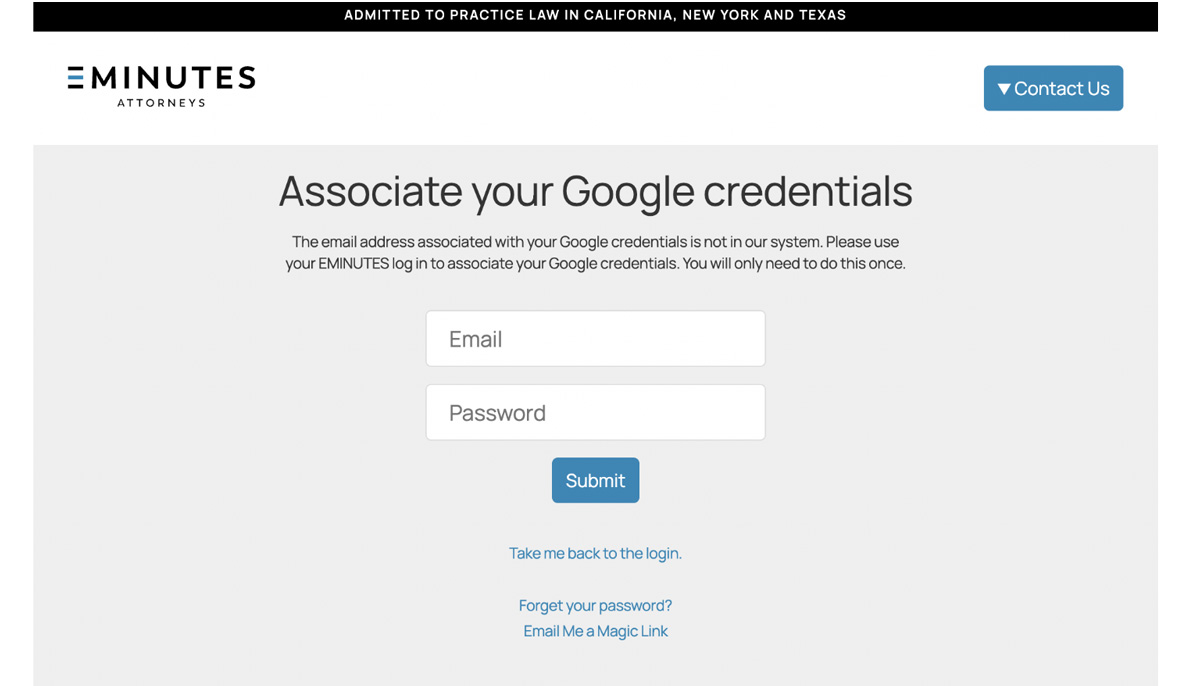
4. Confirm your credentials in the next screen.
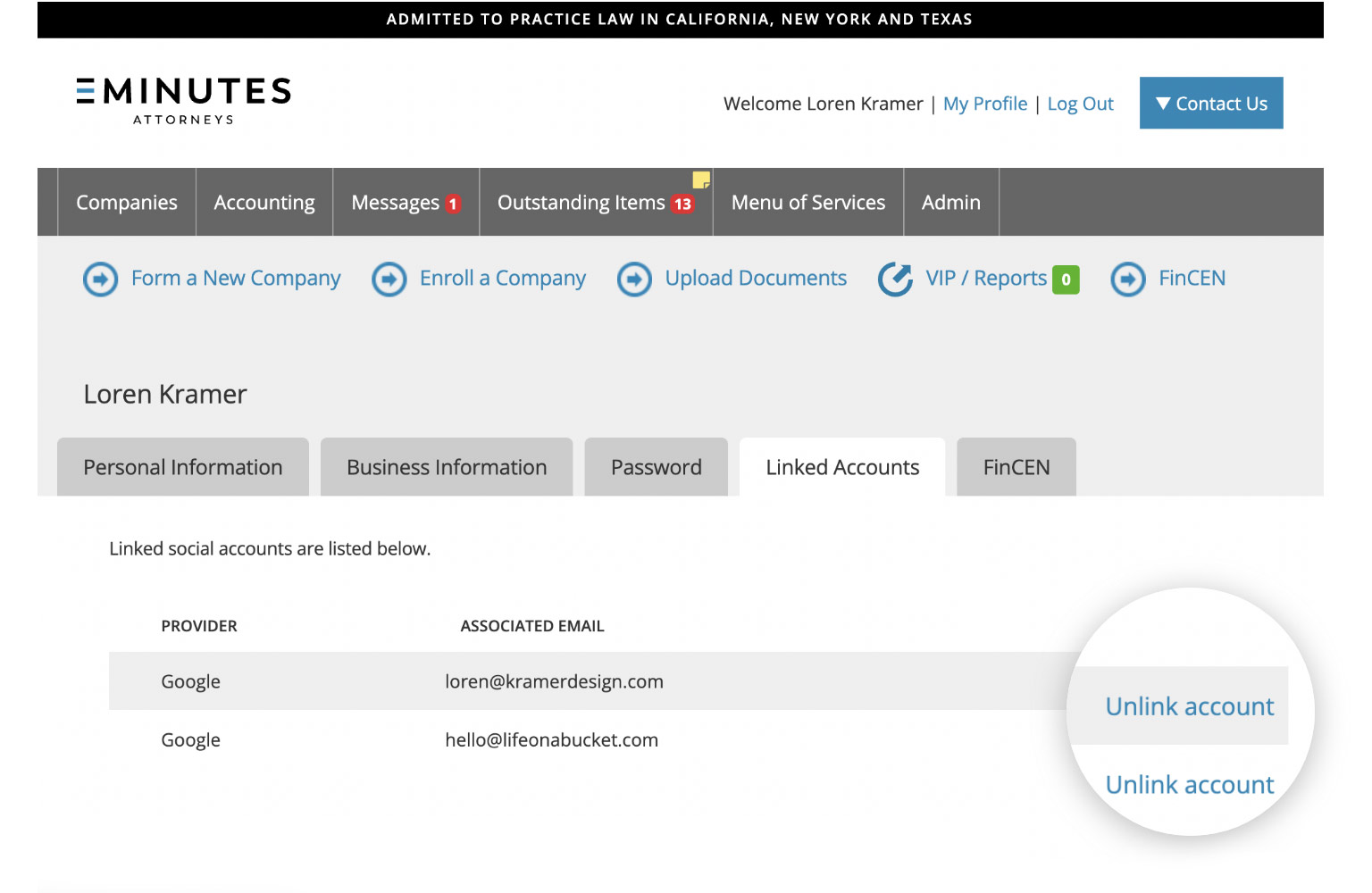
After linking your Google credentials to our system, you can link the account in your online portal in the “My Profile” section.