
1. Log in to your eMinutes online portal.
2. Click on the “Accounting” tab.
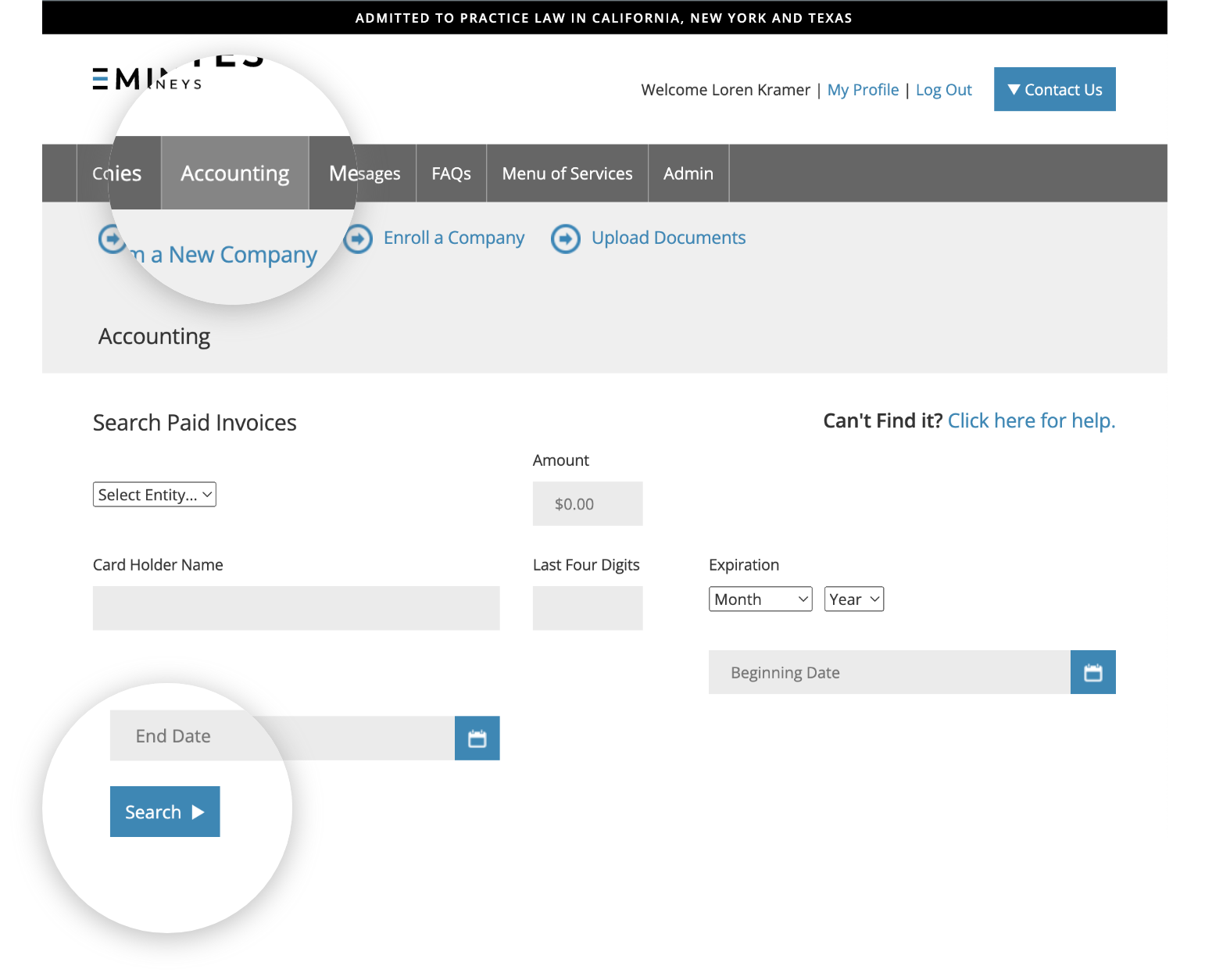
3. Select the search criteria (a minimum of one criteria is required).
4. Click on “Search” to view results listed.
If you are unable to find an invoice, please give us a call or email the details of the charge, and we will email you a copy of the invoice.